TradingView vs No-Code Trading Bot | Quberas
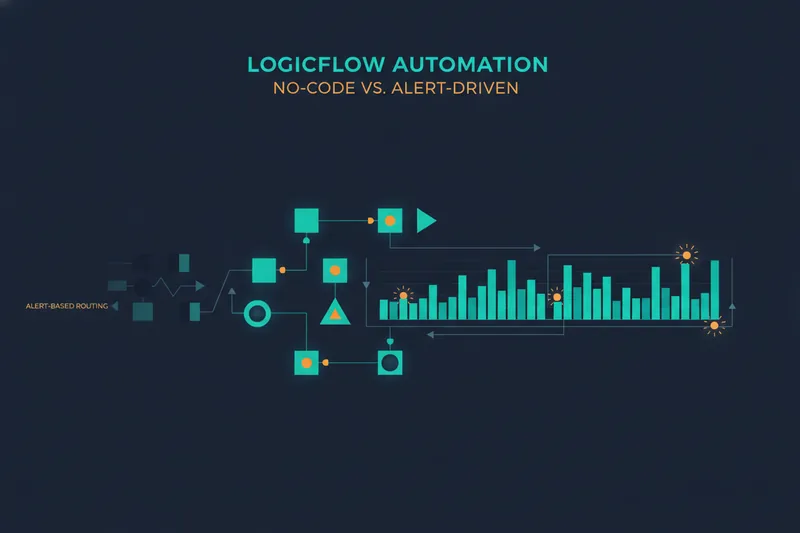
TradingView's Pine Script and webhook alerts can absolutely run an automated strategy, but they were built for charting and signal generation, not for showing you a bot's full decision logic in one screen. A true no-code trading bot platform closes that gap: instead of writing conditions as text and hoping the alert fires correctly, you build the logic visually and watch it evaluate directly on the chart. Tools like Quberas take this second route, turning entry, exit, and risk rules into a visual map instead of a script — which is the core distinction this comparison works through, section by section, so you can decide which approach actually fits how you trade.
What Is TradingView Automation? Pine Script, Alerts & Webhooks Explained
TradingView is primarily a charting and market-analysis platform. Automation on it is built on top of that core, not native to it, and it happens in two separate steps.
How Pine Script strategies generate alerts
Pine Script is TradingView's built-in scripting language for writing custom indicators and strategies. A trader codes conditions — say, a moving-average crossover combined with an RSI filter — and sets an alert to fire whenever those conditions are met. The alert itself is just a notification; it doesn't place a trade. This distinction shows up elsewhere in trading software too: not every automation script even trades. Some Expert Advisors, for instance, only enhance chart displays, while a separate EA handles the actual execution. Pine Script alerts work similarly — they signal, they don't act.
How alerts get routed to a broker or exchange via webhooks
To turn a signal into an order, the alert has to be sent somewhere that can place trades. This is done through webhooks — automated messages TradingView fires to an external URL the moment an alert triggers. That message then needs a receiving service to translate it into an actual order on a broker or exchange such as OKX or Binance. Services like TraderPost and GoodCrypto exist specifically for this: they listen for TradingView webhooks and convert them into live or paper orders on a connected exchange or brokerage account. So a "TradingView bot" is really a chain — Pine Script, alert, webhook, relay service, exchange API — with each link maintained separately.
What Is a No-Code Trading Bot Platform?
A no-code trading bot is software that lets you build automated strategy logic by assembling visual rules instead of writing a script. Automated trading platforms generally fall into a few distinct categories: full coding environments, no-code/low-code builders, signal-to-execution layers (the webhook relays above), and pre-built bot marketplaces. A no-code builder sits in the second category, and it works differently from the TradingView chain in one important way: the logic, the testing, and the execution all live inside one system.
Visual condition building vs writing code
Instead of typing if rsi < 30 and volume > average_volume * 1.5, you assemble the same rule from blocks — pick an indicator, set a comparison, combine it with another condition using AND/OR logic. This is a visual strategy builder: indicators and conditions become connectable pieces rather than lines of syntax.
Seeing rule triggers directly on the chart
The other defining trait is visibility. Because the conditions are structured objects rather than free-text code, the platform can highlight exactly where and when each one becomes true, directly on the price chart. This is the practical meaning of algorithmic trading for a retail trader here: pre-set rules automatically deciding entries and exits, but with the "why" visible rather than buried in a script.
TradingView vs No-Code Bots: Key Differences
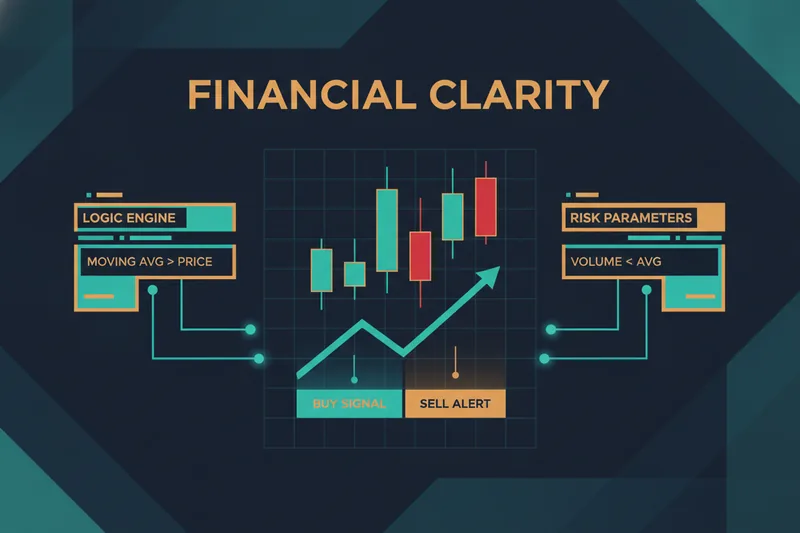
The mechanisms diverge at the root. TradingView's approach is code-and-alert: Pine Script evaluates conditions internally, but only the trigger event leaves the platform, as an alert. Everything downstream — routing, execution, confirmation — happens in other tools. A no-code builder's approach is visual condition logic: the rule, the backtest, and the live execution all reference the same structure inside one interface.
That difference determines where each one breaks. In the TradingView chain, a failure can happen at any hop — the webhook doesn't fire, the relay service has downtime, the exchange API rejects the order silently — and diagnosing it means checking logs across three or four disconnected systems. In a no-code visual builder, the logic is contained in one place, so there's no hand-off to lose a message in; the risk instead is over-nesting conditions until the visual map itself becomes hard to read, which is why a visual strategy builder needs a real debugging view, not just a rule editor.
Does TradingView Allow Bot Trading?
Not directly, for most setups. TradingView generates alerts; it does not, on its own, send orders to a crypto exchange like OKX or Binance. Turning an alert into a live trade requires an intermediary — this is exactly the role TraderPost and GoodCrypto play, catching the webhook and executing on your behalf. Other categories exist too: some platforms, like 3Commas, offer Signal Bots that trade directly off external alerts rather than off TradingView-native Pine Script logic, which is a related but separate mechanism from the webhook-relay chain described above.
Running any of this continuously raises an infrastructure question. A VPS (a remote server that stays online independent of your own computer) isn't strictly required — a home PC can run the setup for testing — but for live trading with real capital, the failure modes of a home connection make a VPS effectively necessary for serious use. Cost structures vary by market too: some platforms shift fees rather than eliminate them — NinjaTrader's free tier waives the monthly charge but raises per-contract commissions on live trades — a reminder that "free" automation tools often move the cost elsewhere in the stack.
Pros and Cons of Each Approach
When TradingView + webhooks makes sense
This route fits a trader who already codes in Pine Script, wants access to TradingView's large library of community indicators and scripts, and doesn't mind maintaining a webhook relay and exchange connection as separate moving parts. It's also the practical choice if a strategy needs a condition type no no-code builder currently exposes.
When a no-code visual builder makes sense
A no-code trading bot platform fits better when you want one environment for building, testing, and launching — and, critically, when you want to see why a rule fired instead of reconstructing it from logs spread across a relay service and an exchange dashboard.
Backtesting and Debugging Capabilities Compared
Backtest data quality: OHLCV vs bid/ask/order-book
Most retail backtests, Pine Script included, run on OHLCV data — open, high, low, close, and volume per candle. It's compact and widely available, but it compresses everything that happened inside that candle into four price points, which can hide slippage and short-lived liquidity gaps. More precise backtesting uses bid/ask and order-book-derived data, which reflects the actual tradable prices and depth available at each moment rather than a candle summary. Whichever data source is used, backtesting and forward testing (running the strategy live on a small scale before full capital) are both required stages, not substitutes for each other — a strong backtest still needs to hold up in forward conditions before it's trusted with real size. It's also worth remembering that risk rules aren't standardized across every platform or firm — Topstep, for example, tracks end-of-day drawdown rather than trailing drawdown — so a backtest validated under one risk framework doesn't automatically transfer to another set of rules.
Debugging why a trade did (or didn't) trigger
In the TradingView chain, debugging a missed or unexpected trade usually means checking the Pine Script's own logs, the alert log, the relay service's webhook history, and the exchange's order log — up to four separate places. A visual debugger in a no-code platform instead highlights the exact chart zone tied to each condition, and shows the difference between "almost" and "triggered" — how close a threshold came to firing without guesswork. That's what makes threshold tuning practical: you can see a condition missed by a fraction of a percent and adjust it directly, rather than re-running a script and re-reading logs to guess at the cause.
Best No-Code Algorithmic Trading Platforms Worth Evaluating
The no-code space isn't uniform, so it's worth checking what "no-code" actually means for a given tool before relying on it. Some platforms marketed this way, like AlgoBuilder, still lean on code-based approaches such as Python rather than a fully visual interface; others, like Tradetron, offer a genuine drag-and-drop builder for assembling strategies without programming. Retail traders also increasingly have access to tools once limited to institutional desks, including AI-assisted and LLM-connected trading infrastructure that can pull live and historical data into a strategy. Whatever you evaluate, day trading software generally breaks down into three pillars — an execution platform, a market data feed, and analytics for reviewing performance — and a no-code builder should cover the first two solidly while feeding usable data into the third. Broker and exchange reach matters as well: execution options multiply even within a single market, as seen in futures where several prop firms support Rithmic alongside Tradovate — so confirm a platform actually connects to the exchanges you trade on.
Building entries, averaging orders, exits, and stop-losses visually
Quberas structures a strategy as a deal map — a drag-and-drop flow connecting entry conditions, averaging orders, exit rules, and stop-losses into one continuous, inspectable structure, rather than separate scripts for each piece. Its condition builder supports nested logic across price, indicators, volume, and crossovers, so a multi-stage strategy stays organized as one visual object instead of a stack of disconnected rules.
Launching or publishing a ready-made strategy
For traders who'd rather not build from a blank canvas, the strategy marketplace lets you pick an existing strategy, set your own risk parameters, test it against your data, and launch it. Going the other direction, you can publish a strategy you've built — publicly or via a private link with a whitelist — and earn recurring payouts, at a plan-dependent commission, when others run it.
Which One Should You Choose? Decision Framework + FAQ
Choose TradingView automation if...
You're comfortable writing or adapting Pine Script, you want access to TradingView's community script library, and you're willing to maintain a webhook relay and exchange connection as separate, monitored components of your setup.
Choose a no-code visual builder if...
You want to see every condition and its exact trigger zone without reading code, you want backtesting, debugging, and launching handled in one workflow, and you need precise risk management — stop-losses and averaging logic mapped as part of the strategy itself rather than bolted on through a third webhook.
FAQ: Is TradingView good enough for algo trading without code?
It can generate signals without you writing new Pine Script, by using existing public scripts and their built-in alert conditions. But algorithmic trading means the rules also place the trade, and TradingView itself doesn't close that loop for most exchanges — something else has to receive the webhook and execute it. If your goal is avoiding code and multi-service handoffs entirely, a no-code visual builder that handles logic-building, backtesting, and execution in one place is more directly aligned to that goal than patching together TradingView alerts with a relay service.
See it visually instead of guessing — try Quberas free to build, backtest, and debug your first no-code trading strategy on the chart.